Procedure to Generate OTP from SBI Secure app
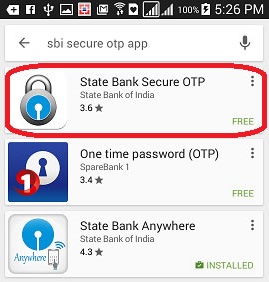
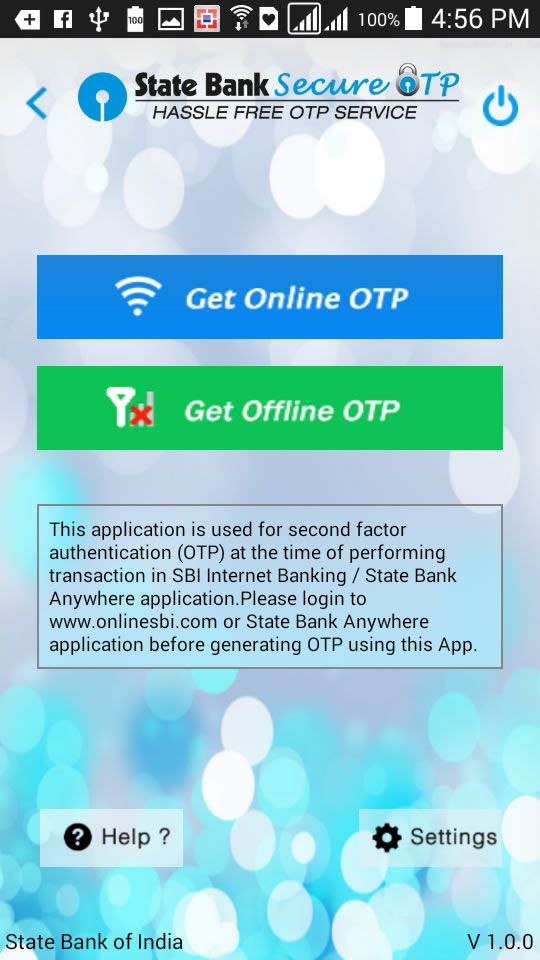
Firstly you have Install SBI Secure OTP app in your mobile from play store.
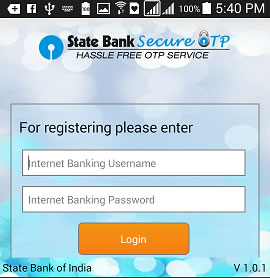
Then register your Internet Banking Username and Passward in the app.
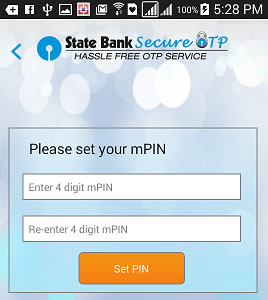
Now you have to set your Mpin to access the app.
Now on the payment page select the OTP Mode .
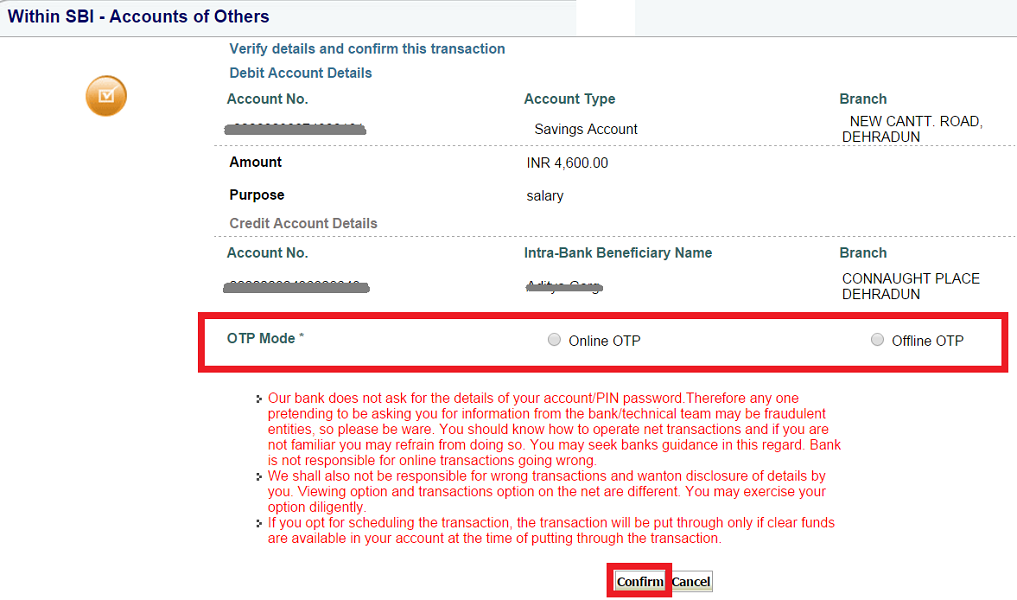
Procedure to Generate Offline OTP from SBI Secure app
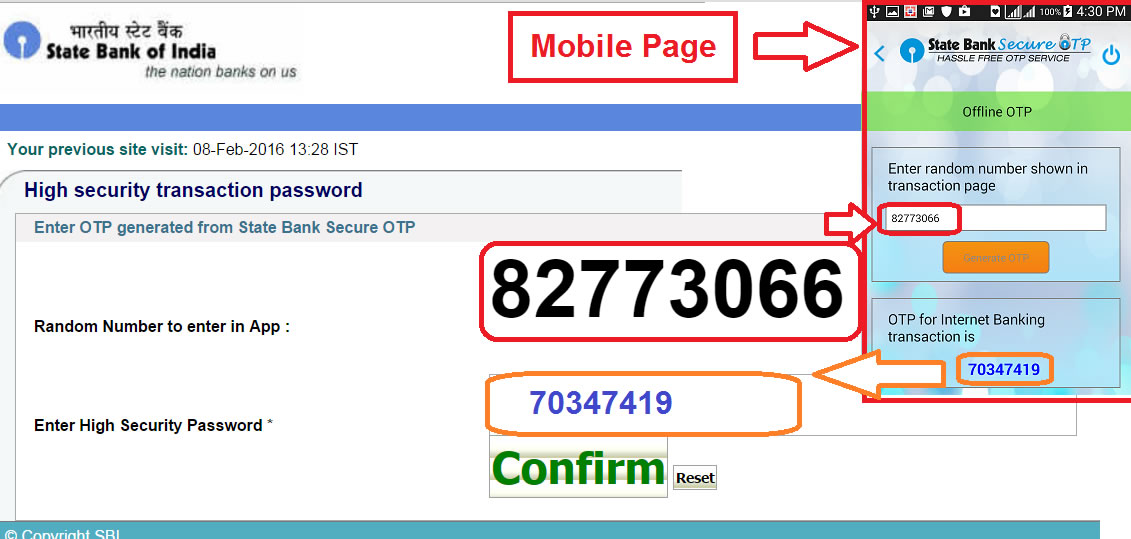
On selecting Offline OTP mode it will show a random number.
Enter that random number in SBI secure app then app will generate OTP.
Now type it in Payment page.
Procedure to Generate Online OTP from SBI Secure app
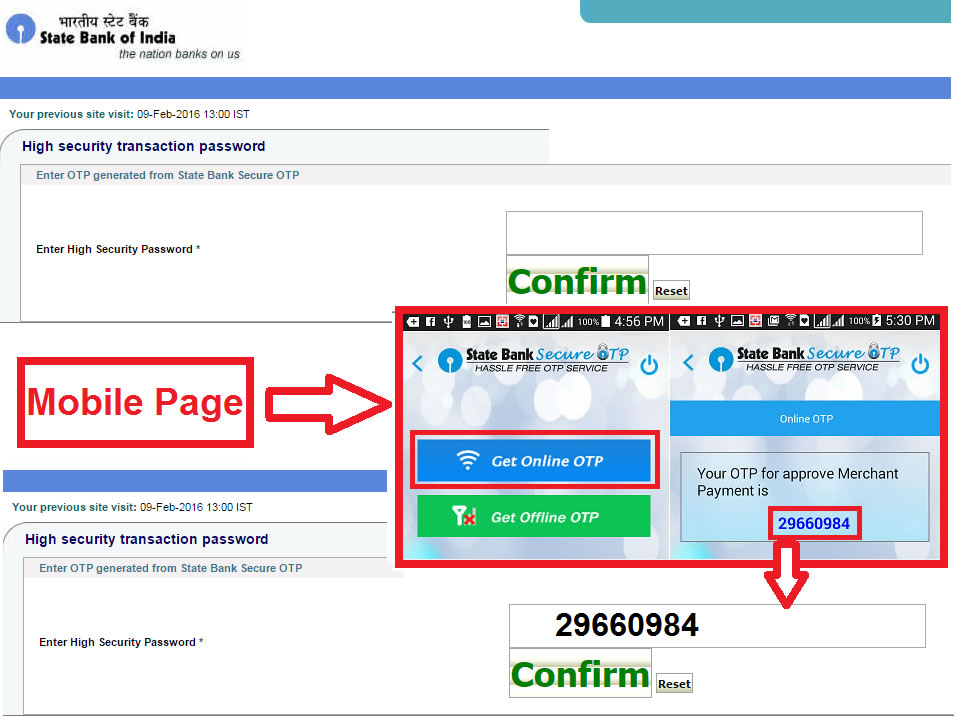
On selecting Online OTP mode it will show High Security Transaction Page.
Now open app and click on Get Online OTP.
It will generate Online OTP type it in Payment page.
Note : Sometimes it takes time to generate Online OTP at the Tatkal time (11:00 am).

